
Market and favorites
The Market tab is in the full-tab view. In the extension popup or side panel, open the menu and select Expand view.
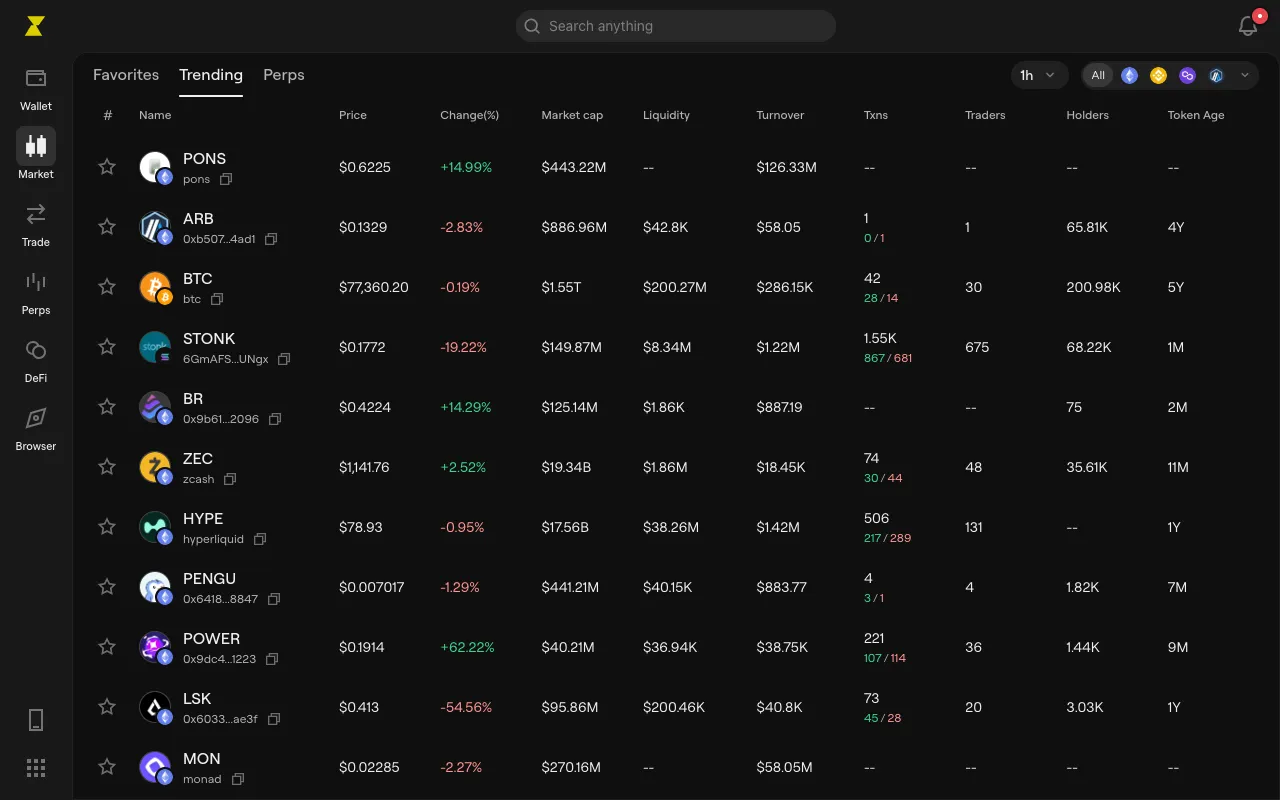
- Browse: lists show Price, Change, Market cap, Liquidity and more. Pick a network with Select network, or filter with Min and Max.
- Favorites: select the star on a token’s page to add it. In Favorites, a row’s menu offers Move to top and Remove from watchlist.
- Token pages: see the Chart, Overview, Holders, Transactions and Pool details, and trade from the panel beside them.