
Create a seed phrase wallet
A seed phrase wallet is a standard wallet backed by a 12-word recovery phrase that M5wallet generates on your device.
-
Open M5wallet. On the welcome screen, select Create new wallet.
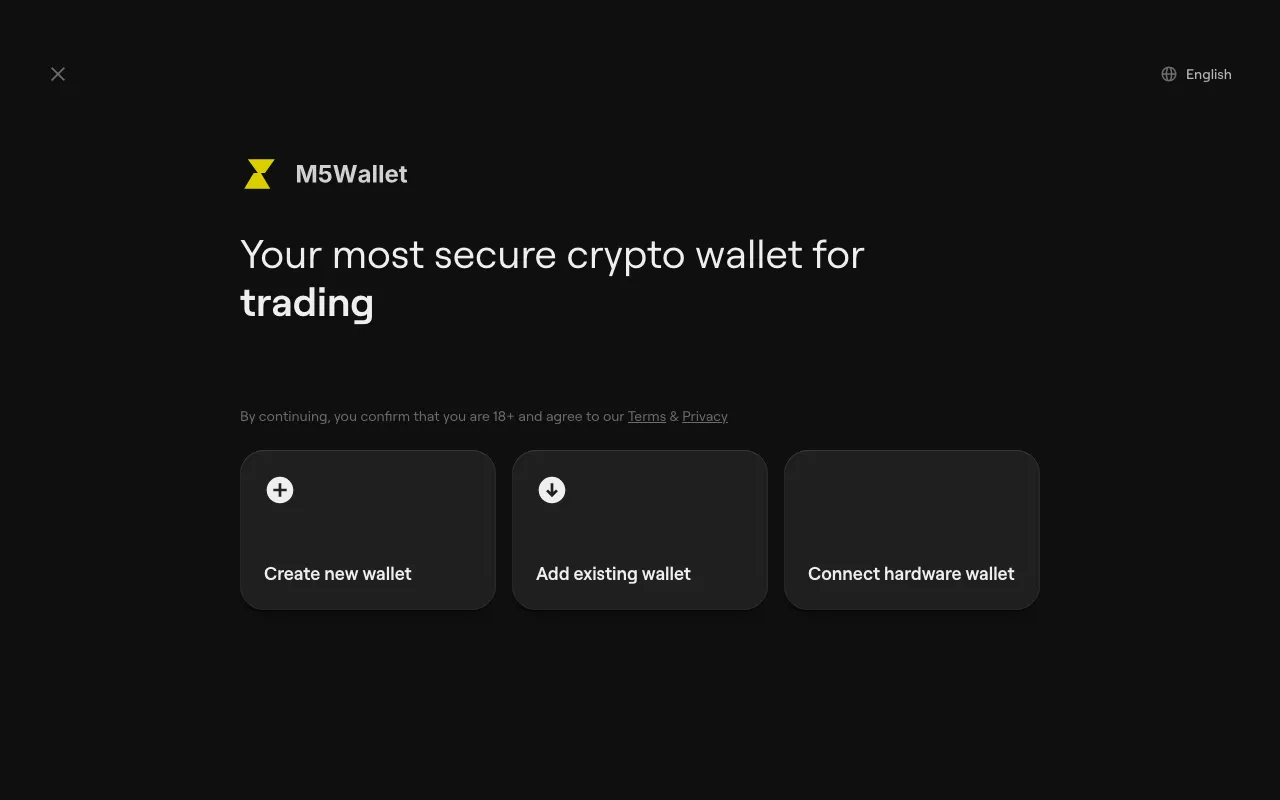
In the browser extension, setup opens in a full browser tab rather than the small popup.
-
Select Create seed phrase wallet.
-
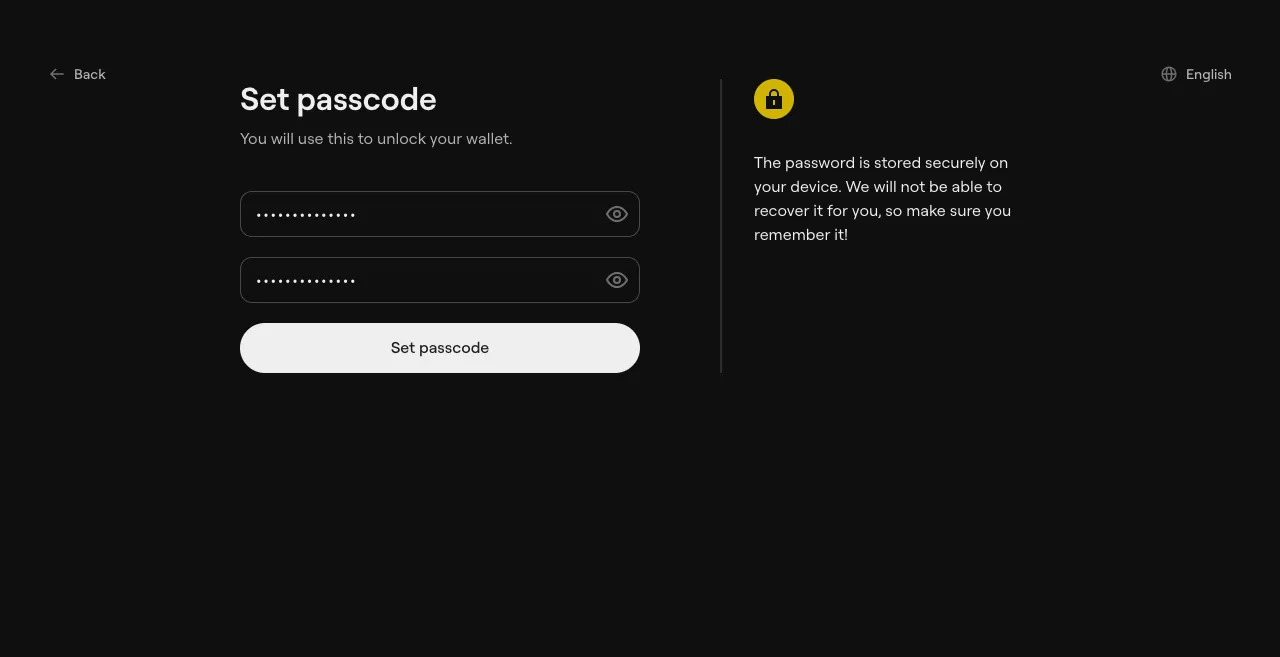
Set a passcode. It unlocks M5wallet on this device.
- Browser extension and desktop: enter 8 to 128 characters in Create a strong passcode, repeat them in Re-enter your passcode, then select Set passcode.
- Mobile: enter a 6-digit passcode twice. Select Alphanumeric passcode if you want to use letters as well.
If your device supports it, a switch labelled Authentication with Face ID, Touch ID, Windows Hello or PassKey lets you unlock with biometrics too.
-
Wait while M5wallet shows Creating your wallet, Generating your accounts and Your wallet is ready, then select Enter wallet.
-
In the extension, pin M5wallet to the browser toolbar when prompted, so it is one click away.
Passcode tips
Section titled “Passcode tips”- M5wallet keeps your passcode only on your device and cannot recover it for you.
- Use a passcode you don’t use anywhere else.
- If you forget it, you can reset the app and restore the wallet from its recovery phrase. See Forgot your passcode?